LoongScales — Product Overview
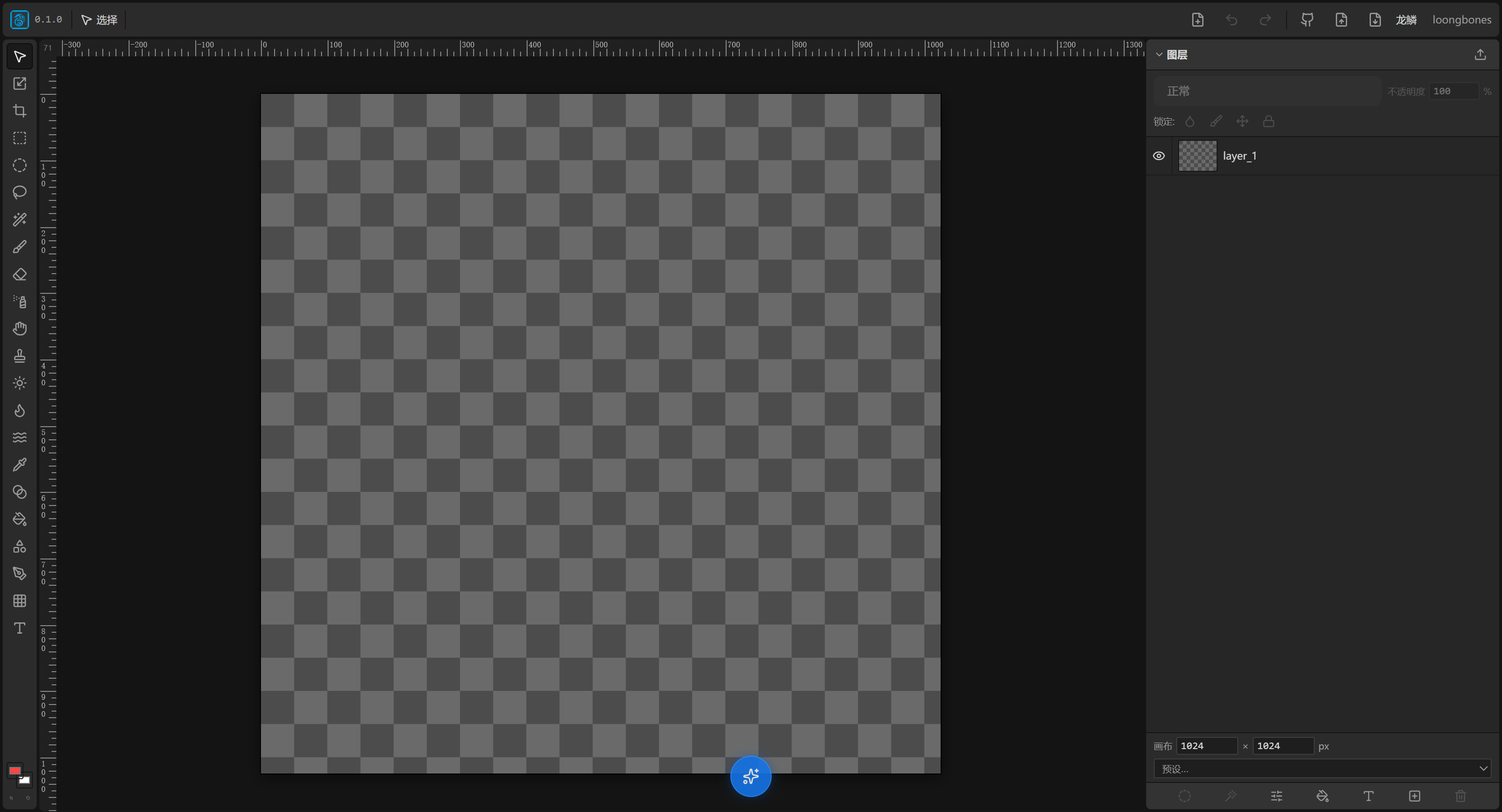
LoongScales is a layer-based image editor that runs entirely in the browser. Its experience is close to Photoshop / Photopea, and it deeply integrates AI image generation / background removal / image splitting with LoongBones material sync. This documentation is for designers and animators. It walks you from "first contact" to "proficient", so you can get the most out of the tool.
What is LoongScales
LoongScales is a purely web-based 2D layered image editor. You don't install anything — just open it in a browser and start; your work is saved locally automatically, so closing the tab won't lose it.
Like Photoshop, it can paint, color-grade, manage layers and apply effects; on top of that it adds three kinds of "AI superpowers":
- AI Image Generation: describe what you want in a sentence and generate an image directly (text-to-image), or transform an existing layer (image-to-image).
- AI Background Removal / Image Splitting: one click to remove a background, or split a combined sprite sheet into multiple independent layers.
Where it sits in the LoongBones pipeline
| Tool | Role | Relationship with LoongScales |
|---|---|---|
| LoongBones | 2D skeletal animation platform (similar to Spine, Live2D) | Binds bones and creates animations |
| LoongScales | Original-art / material retouching editor | Paints original art, splits layers, reskins, runs AI generation |
A LoongBones character is usually assembled from many "material images" (body, arm, hair…). Each material maps to one raster layer in LoongScales. LoongScales and LoongBones can sync bidirectionally:
- Pull materials from LoongBones into LoongScales → precise drawing / AI retouching;
- Push your work from LoongScales back to LoongBones → it becomes animation material immediately.
This connects the whole 2D animation line — original design → layer splitting → reskin → skeletal animation — inside one tool chain, and every step can be AI-assisted.
Capability highlights
- Real layer system: raster, text, vector, adjustment, fill, group
- 27 layer blend modes, 16 adjustments, 6 filters, 15 layer effects (all non-destructive)
- Full painting toolset: brush, eraser, airbrush, smudge, clone stamp, dodge, burn…
- Selections, layer masks, clipping masks, symmetrical drawing, gradients, shapes, pen paths
- Import / export PSD
- Built-in AI and LoongBones material sync
How to enter LoongScales
- Online version: Go to the LoongBones homepage, log in, and create a LoongScales work.